


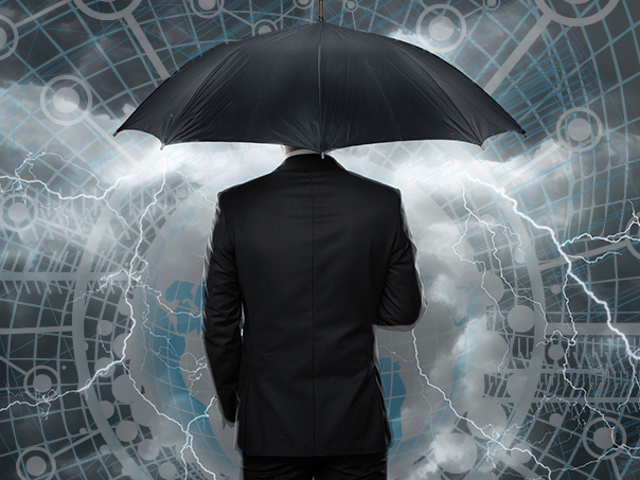
If your company shuts its data storage systems down during the holidays, be careful that it’s not the last shutdown before a data loss.
The Problem with Planned Shutdowns
Many companies close their doors for an extended time during the Christmas and/or New Year’s holidays, including some that routinely schedule the last week of the year for closure.
Does your business run its systems 24/7 for most of the year? This constant running creates a lot of heat for those systems that incorporate spinning drives, causing expansion of components. During planned shutdowns, components cool, causing contraction. This expansion and contraction of delicate moving parts can cause a variety of mechanical malfunctions.
There are also a whole host of complications that can occur with solid-state devices during a planned shutdown, sometimes caused by latent defects that don’t show symptoms until after the device has been in use. Problems can also be caused by human error during the shutdown process or malfunctions with software or other programs being used.
In general, the most common problems seen after the holidays involve failure of the power supply or electronic components (including the motor) and failure of any mechanical or moving parts of the hard drive itself. There can also be malfunctions involving the system’s electronic circuits, chips and boards, which can be susceptible to damage caused by interruptions in energy flow.
One Good, Two Better
The last thing you want is to start off the New Year with a serious data loss. Be sure to review the proper shutdown procedures for your equipment, especially if you have larger systems with multiple drives in a RAID.
Systems that are normally left on all the time may develop problems even after a proper shutdown. For this reason, the best advice is to prepare at least two backup copies of anything important and save them in at least two different places.
At DriveSavers, we always recommend triple redundancy, meaning that the same important data is located in three places—one working copy and two backups. Store one of these copies at an off-site location to protect against theft or natural disaster in your absence.
Shut It Down or Leave It On?
Failures are hard to predict, but every computer system will eventually stop working. Drives fail most often due to mechanical breakdown, electrical issues, physical damage and/or software malfunction.
There are different schools of thought on whether shutting a computer down or just leaving it running is the better action. Both sides of the argument have merit, especially when you add in external factors such as energy consumption and data security concerns. In either case, a backup is necessary to properly protect anything that would be troublesome to replace.
Mike Cobb, Director of Engineering at DriveSavers, is very clear on how to protect important data. “If systems are shut down instead of left on for the holidays, check first with the manufacturer for advice on taking the system offline,” Cobb advised. “Complicated computer systems, especially if they involve RAIDs, can be shut down improperly or can experience problems during shutdown or startup that may not have occurred if the system wasn’t shut down in the first place.”
The first line of defense should always be a proper backup.
“Back up and verification, along with preparation of a contingency plan if problems occur, is important for anyone with valuable information stored on any type of computer,” Cobb said. “These drives are not as reliable as we would all hope, so you can never be too careful.
 DriveSavers, the worldwide leader in data recovery, eDiscovery and digital forensics, provides the fastest, most reliable and only certified secure data recovery and eDiscovery service in the industry. All of the company’s services meet security protocols for financial, legal, corporate, and healthcare industries and it is the only company that posts proof of its annual SOC 2 Type II audit and HIPAA data security and privacy compliance. DriveSavers adheres to U.S. Government security protocols, the Gramm-Leach-Bliley Act (GLBA) Data Security Rule, the Data-At-Rest mandate (DAR) and the Sarbanes-Oxley Act (SOX). DriveSavers engineers are trained and certified in all leading encryption and forensic technologies and operate a Certified ISO Class 5 Cleanroom. Customers include Bank of America, Google, Lucasfilm, NASA, Harvard University, St. Jude Children’s Research Hospital, U.S. Army and Sandia National Laboratories.[/su_box]
The opinions expressed in this post belong to the individual contributors and do not necessarily reflect the views of Information Security Buzz.